Manage product categories used to group and organize products within the system. Supports structured classification of items to streamline navigation and enhance inventory organization.

Add a Product Category

1

Navigate to Product Categories
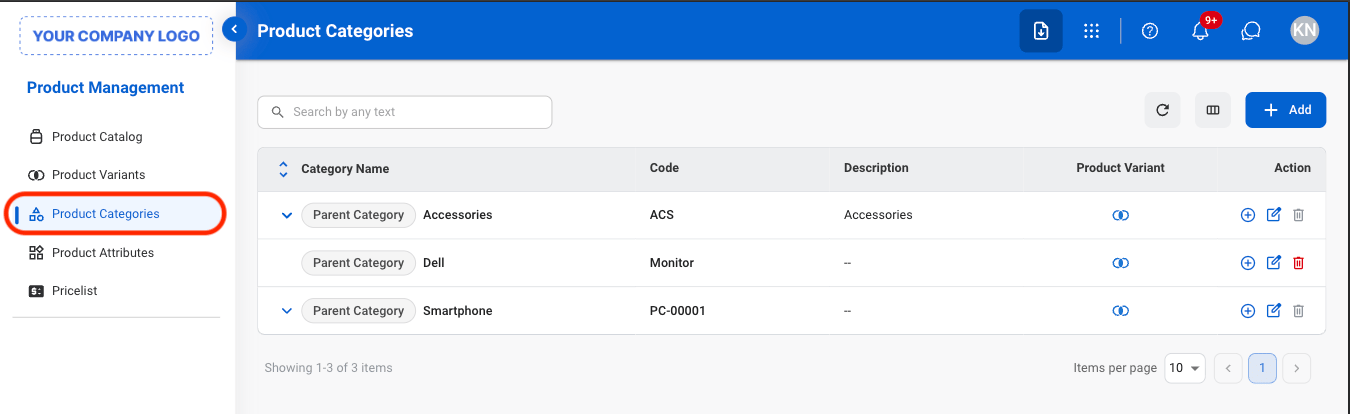
PM PC Navigate
2

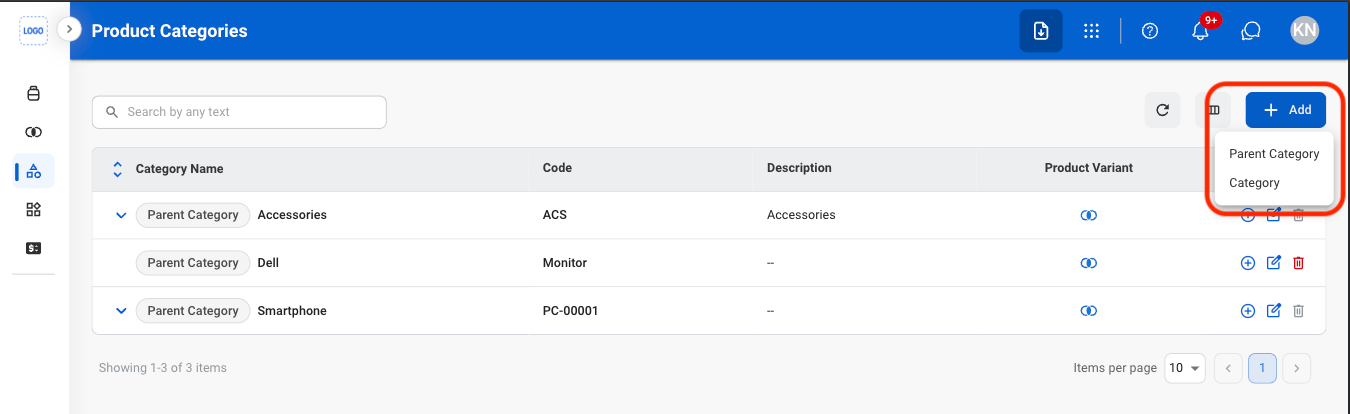
Select Add

PM PC Add Category
**Parent Category: **Top-level group used to organize products into broad sections.**Category: **A more specific group inside a parent category used to further organize products.
3

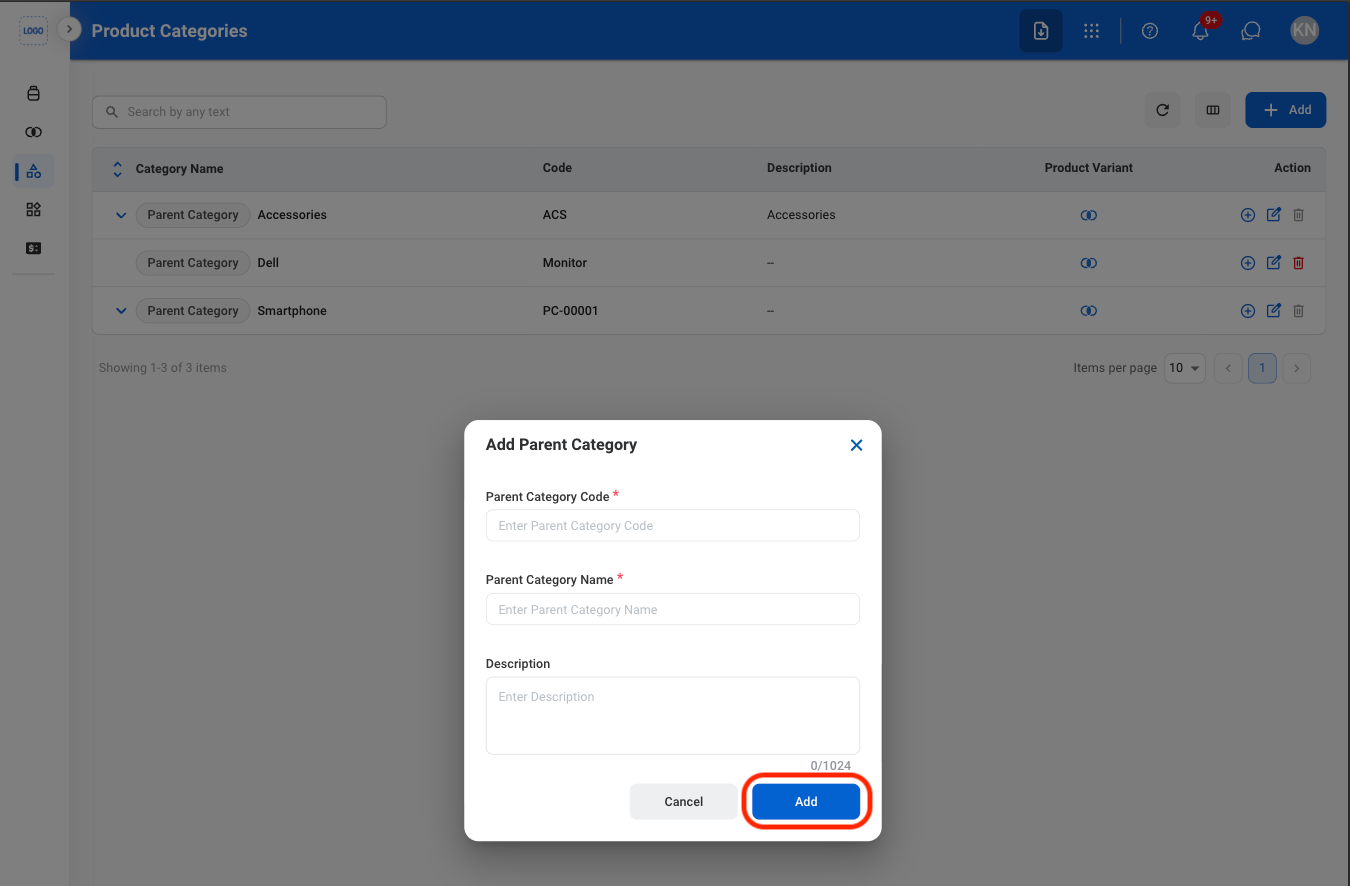
Fill in the required information

PM PC Add C Conf
Select Add to complete or Cancel to exit without saving changes.

Modify a Category

1

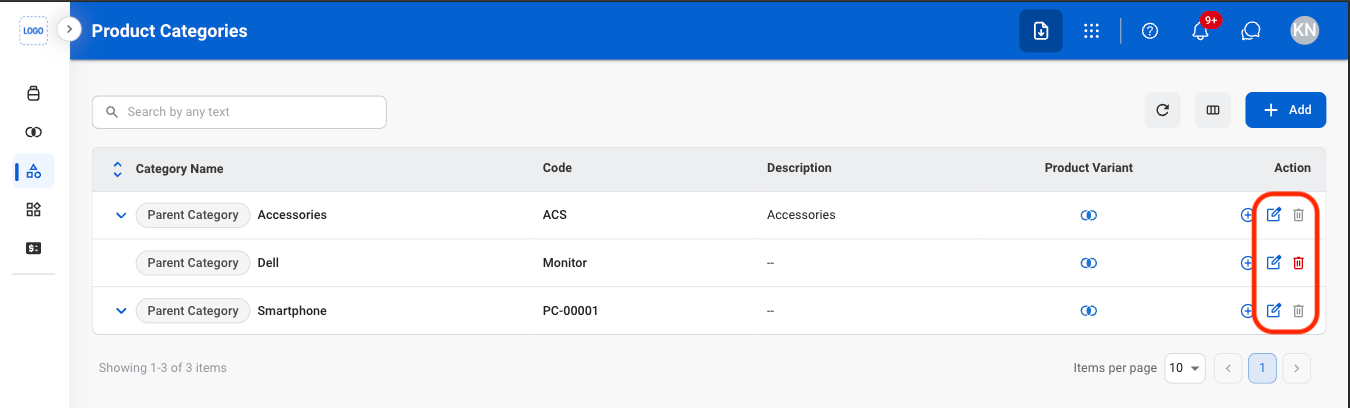
Select an action

PM PC Edit Category
  • Edit: Update category details.
  • Delete: Permanently remove a category.
2

Confirm the action

  • Edit: Fill in the required information. Select Save to complete or Cancel to exit without saving changes. 
  • Delete: Select Delete to complete or Cancel to exit without saving changes. 
\