
Set Revenue Goal
1
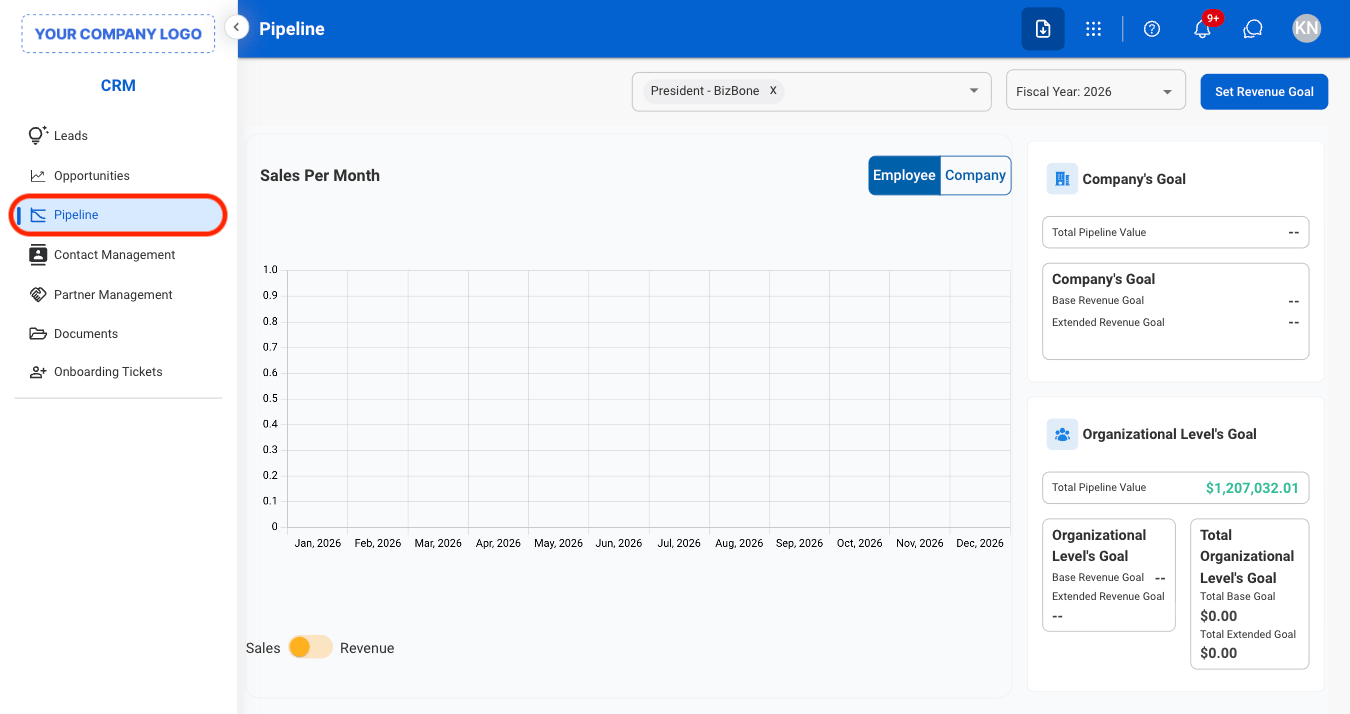
Navigate to Pipeline
2
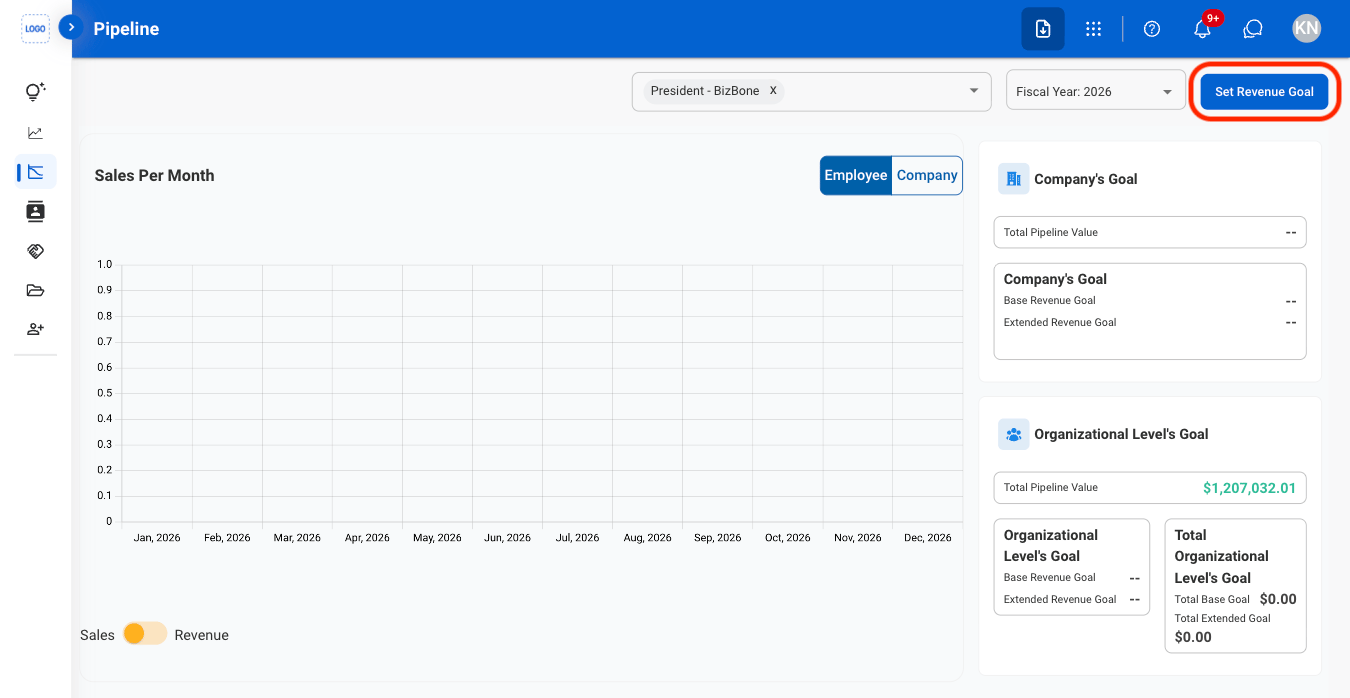
Select Set Revenue Goal
3
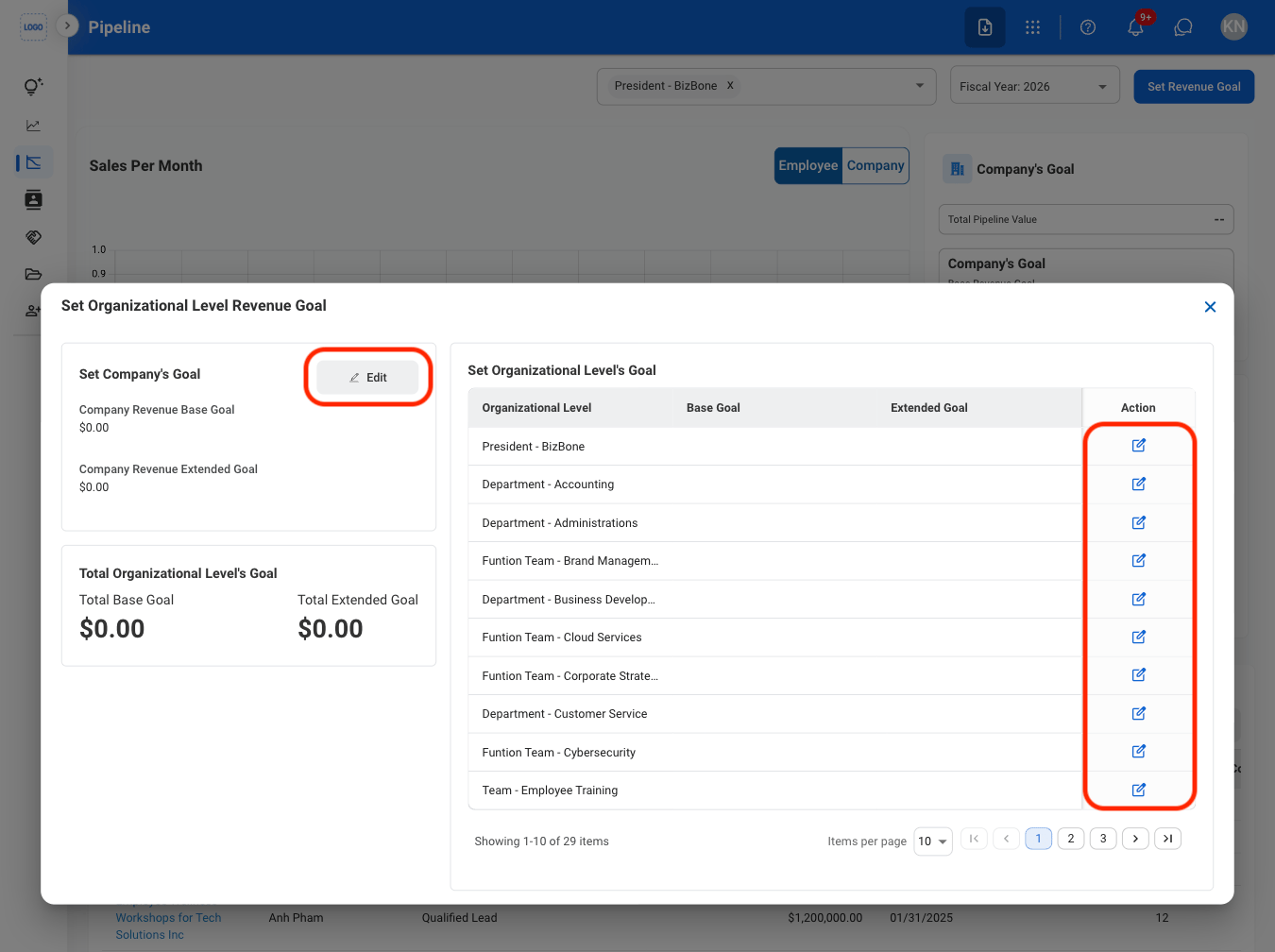
Select Edit
4
Fill in the required information
Select Save to complete or Cancel to exit without saving changes.
View Pipeline
1
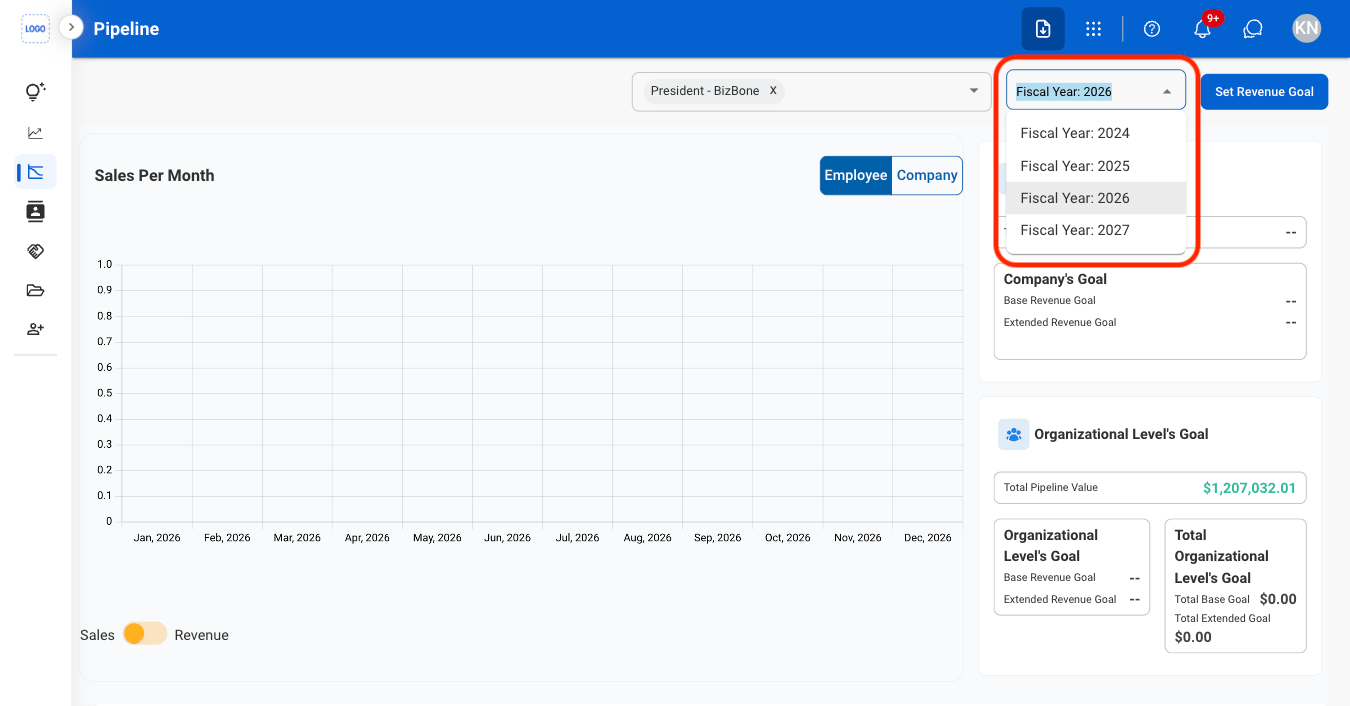
Select a fiscal year
2
Select view options
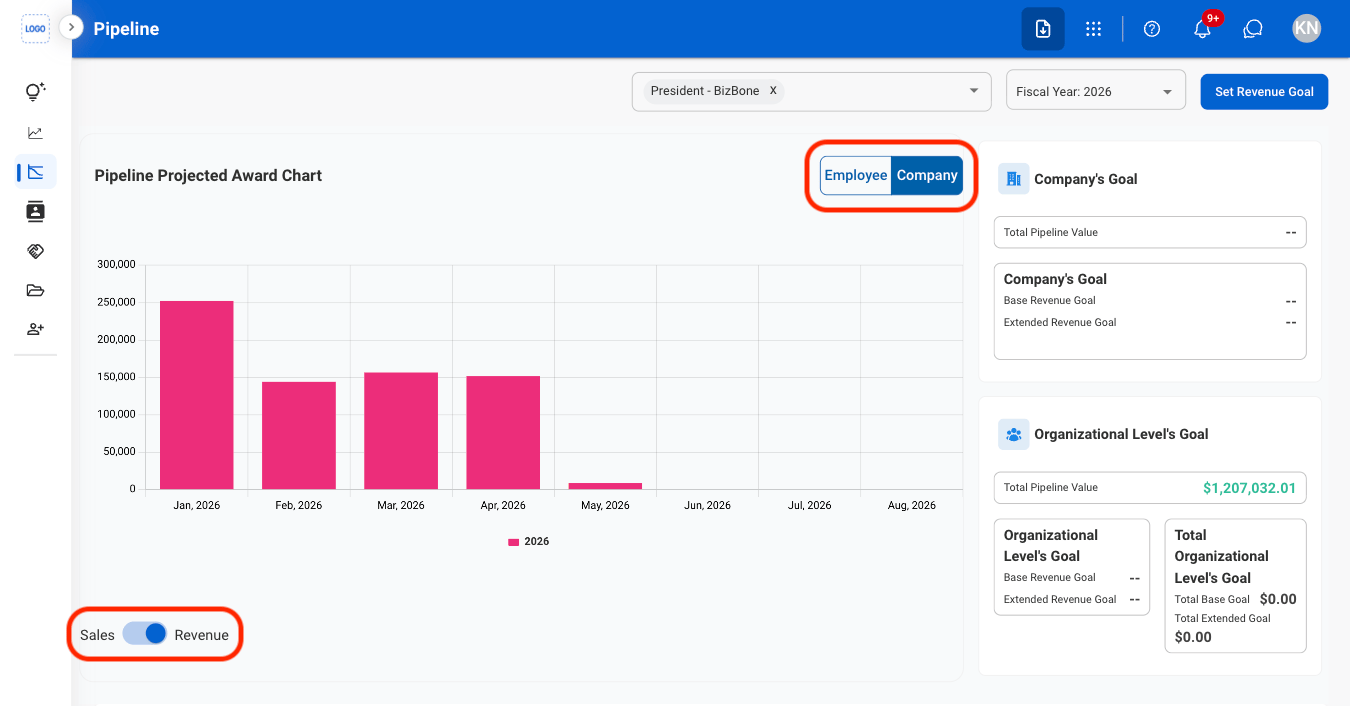
- Employee: View pipeline activity and opportunities associated with individual employees
- Company: View pipeline activity and opportunities grouped by company.
- Sales: View the value or volume of sales opportunities in the pipeline.
- Revenue: View the expected revenue generated from pipeline opportunities